 Project · Company email app
Your own email app, only with your mail server.
We build your company its own email app with your name, your logo and your security rules. It runs on iPhone, Android, Mac and Windows and connects only to your own mail server. There is no detour through other servers, no cloud and no tracking.
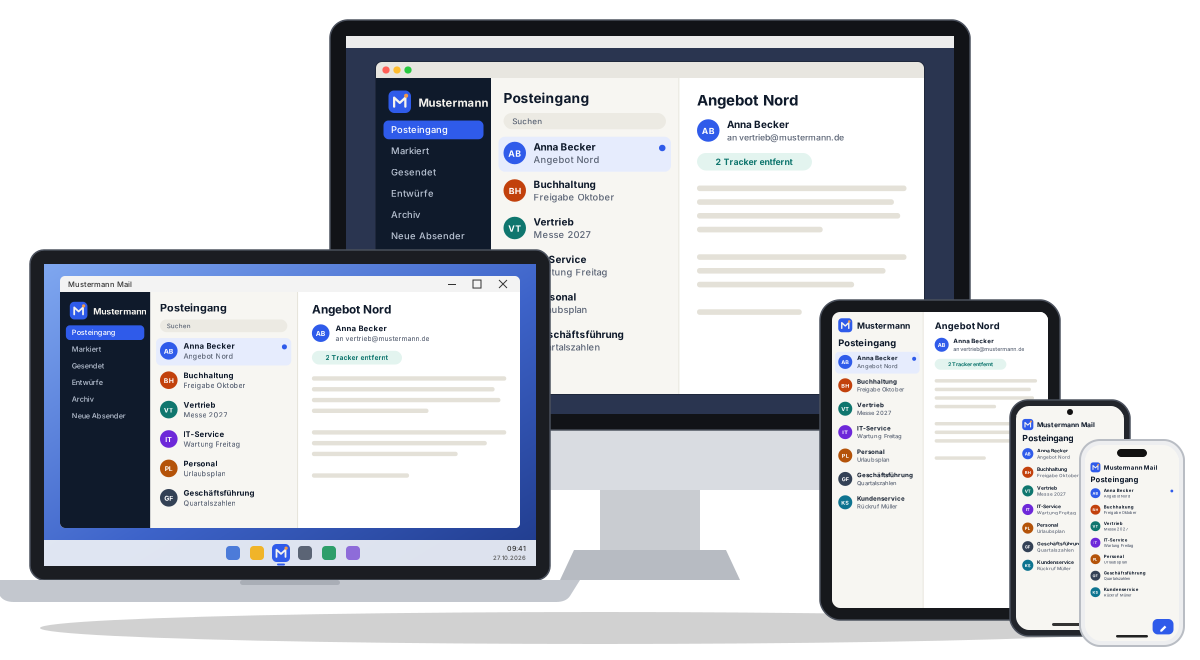
Example: “Mustermann Mail” for the fictional German company Mustermann GmbH.
Almost everything runs through email. Even so, it is often poorly protected.
Whatever app is in the store
Staff read company mail with whichever app happens to be on their phone. Often nobody knows who runs it or what it collects.
Data on third-party servers
Some mail apps store login details or messages in the app maker's cloud, sometimes outside the EU.
Invisible read tracking
Tracking pixels in newsletters tell the sender when, where and on which device an email was opened.
An email app that belongs to your company alone.
We do not just put your logo on a ready-made app. Every company gets its own app. We set the rules when we build it, and they cannot be switched off inside the app.
Your brand
Your name, your logo and your colour on every device your team uses.
Company addresses only
Only addresses on your own domains can sign in. Gmail, Outlook.com and the like are rejected.
Your mail server only
The server is built in. Staff only enter their address and password.
Full control
If you block a mailbox on the server, the app loses access straight away.
Four platforms, one app
iPhone
App lock with Face ID, passwords in Apple's Keychain, notifications for new mail.
Android
Fingerprint lock, Android Keystore, optionally no screenshots of the app.
Mac
Three columns on the big screen, keyboard shortcuts, desktop notifications.
Windows
The same interface as on the Mac, with Windows notifications. Good for the office.
All four versions come from the same code, so new features arrive everywhere at the same time.
0
Data the app sends to third parties.
The app has no tracking, no usage analytics and no ads. It sends no crash reports to third parties and uses neither a cloud nor an AI that reads your emails.
How the data flows
No connection to:
- Five Lion Labs servers
- Tracking and analytics
- Ad networks
- Crash reporting services
- Cloud or AI services
Even during automatic setup the app only asks your own server and no public directories.
Why it matters that everything stays in-house
You remain responsible
Under the GDPR your company is responsible for the data in its emails, such as customer data, contracts, invoices and HR matters. Every extra provider the data passes through is a risk. You have to assess it, sign a contract with it and document everything.
No transfers abroad
Many apps process data on servers outside the EU, which triggers the strict rules for third-country transfers. With our app, data only travels between the device and your server, so the question does not come up.
Trade secrets stay secret
Offers, prices and internal agreements belong neither on other people’s servers nor in an AI. Data that never leaves the app cannot leak, be sold or be used to train an AI.
Easier access and erasure requests
When someone asks for access to or deletion of their data, you need to know where it is. Because the data only travels between the device and your server, that is quick to answer.
GDPR article by article
Data minimisation
The app collects no usage, location or device data. What is not collected cannot leak.
Data protection by design
Tracker protection, image blocking and the app lock can be set permanently. Staff cannot switch them off.
Security of processing
The connection is encrypted, passwords are kept in the device’s secure storage, and the app can be locked with Face ID or a fingerprint.
Processors
No data passes through Five Lion Labs servers. We see neither emails nor passwords. So as a rule the app itself does not create any additional processing on your behalf.
This is not legal advice. Your data protection officer assesses what it means for your company. If we provide support or maintenance, a data processing agreement may still make sense.
These protections are built in
Tracking pixels removed
Invisible tracking pixels in newsletters are removed and counted. The sender does not learn when or where an email was read.
Remote images blocked
Images from the internet only load on request. Your company can also forbid them permanently.
Spoofing warnings
The app checks SPF, DKIM and DMARC and warns you about forged senders. This protects against phishing.
App lock
With Face ID, fingerprint or passcode. If you want, the lock is mandatory and kicks in after a few minutes.
Secure password storage
Credentials live in the Keychain (Apple) or Keystore (Android), never in plain text.
No screenshots
Screenshots of the app can be blocked so that confidential content is not passed on.
Everything a good mail app needs
- Swipe to archive, delete or flag
- Grouped conversations, pin important emails
- Snooze, send later, undo send
- Offline full-text search with filters
- Rules, tags, templates and signatures
- Warning when you forget an attachment
- Unsubscribe from newsletters with one tap
- Light, dark and keyboard shortcuts on the computer
Example presentation
This is how we present the app, using the made-up German company Mustermann GmbH as an example.
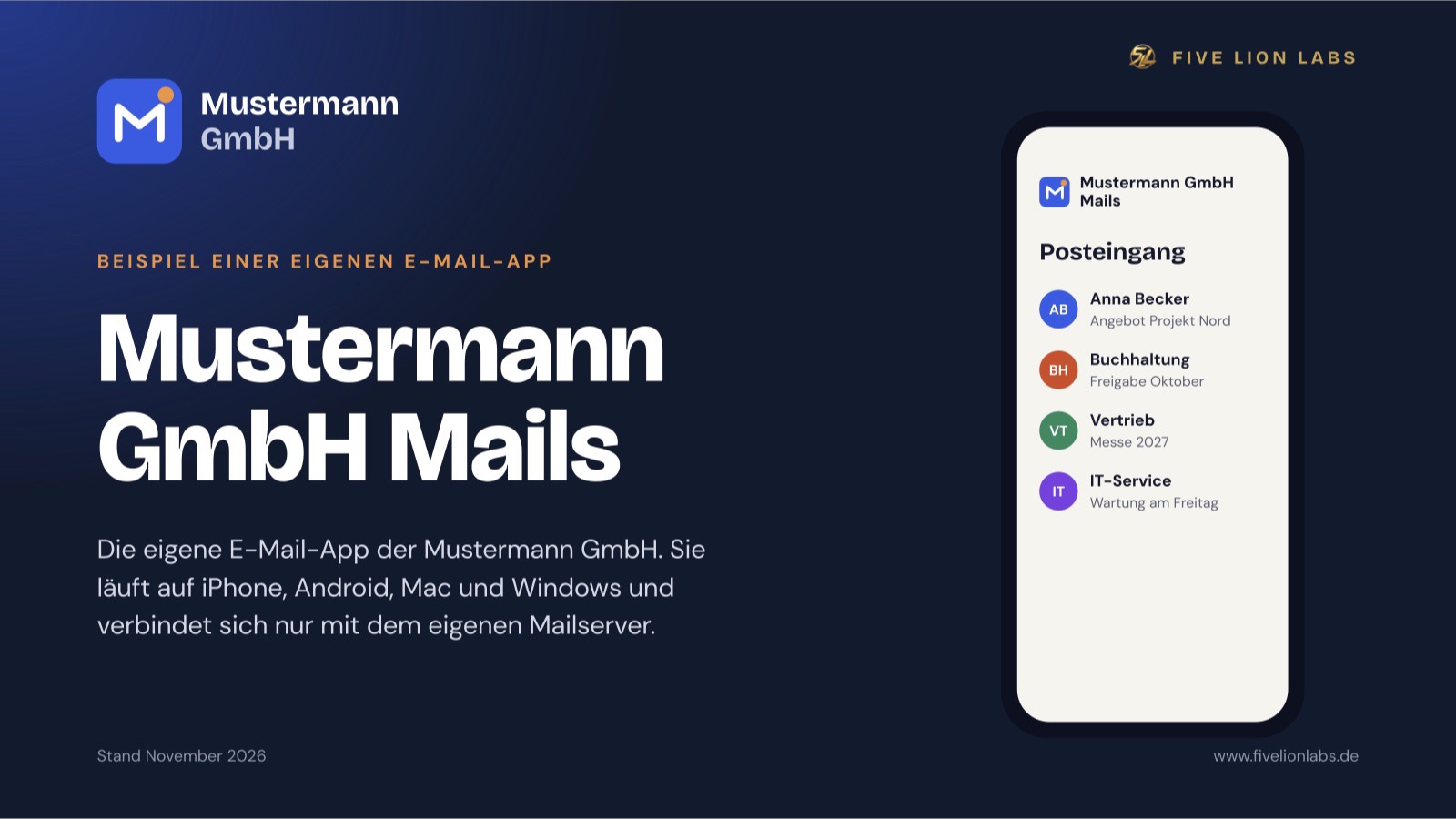
The presentation shows the app for the example company “Mustermann GmbH” under the name “Mustermann GmbH Mails”. It covers the starting point, GDPR, security and rollout.
- 17 slides, 16:9 landscape
- PDF, about 1 MB
- The presentation is in German
Your own company email app
Tell us about your company and your mail server. We will show you what your app would look like and set the rules with you.